Managing Applications
This section describes the actions related to application management:
- Creating and editing applications.
- Tagging applications.
- Deleting applications.
To create new applications, or to edit existing applications via the Key Manager GUI:
- Navigate to the Applications page.
-
To create a new application, click Create New Application.
-
To edit an existing application, perform an Edit action on the application.
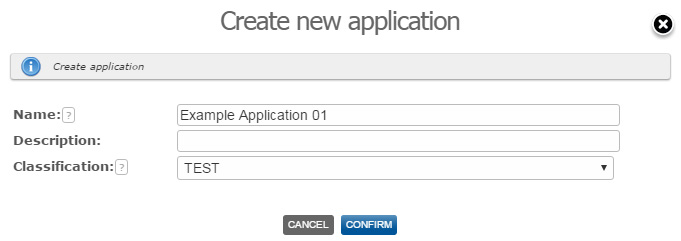
Performing either of these actions displays the Application dialog.
-
In the Application dialog, provide the basic application information. Note that the possible application classifications are defined in the Key Manager system, using the global setting List of allowed classifications. For more information about Key Manager global settings, see the PrivX Key Manager Administrator Manual.
To delete an existing application:
- On the Applications page, perform a Delete action on the applications you want to delete. Any keys that belonged to the application are automatically dissociated from the application, and the application is immediately deleted from the Key Manager system.