Using a Key Manager Administrator Account
This section illustrates how to perform your first login using the administrator account that was created during Key Manager setup. The example demonstrates the following topics:
- Logging into the Key Manager GUI.
- Logging out of the Key Manager GUI.
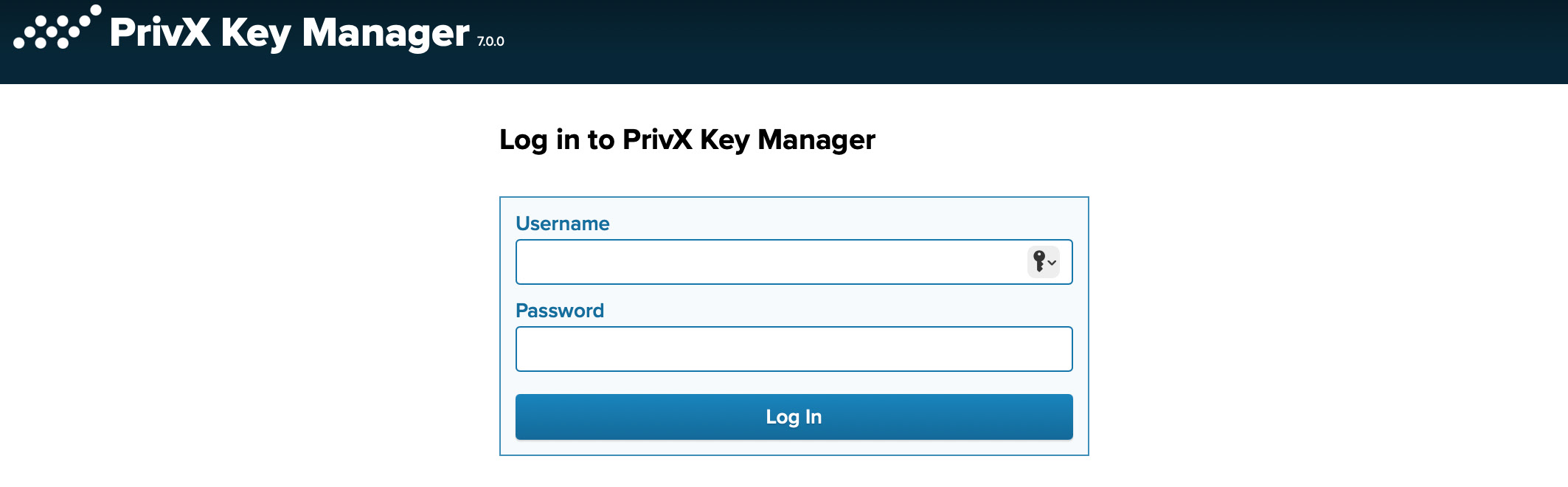
Access the Key Manager GUI using a web browser. For example, if your Key Manager front end is located at the address keymanager.example.com, navigate to https://keymanager.example.com to access the GUI. Perform your first login using the admin account and password, which were created during Key Manager quick setup. For more information about the accounts created during the quick install, and the password to access them, see step 3 of Setting Up Key Manager.
Figure 3.2. The Key Manager Login Screen
You can use the following browsers for accessing the GUI:
- Latest & stable Mozilla Firefox
- Latest & stable Chrome
- Latest & stable Chromium-based Microsoft Edge
After successful login, you will be redirected to the Home→System page of the Key Manager GUI.
To log out of Key Manager, click  located at the upper right of the page.