Reviewing Application Information
The examples in this section illustrate application-key management via the User Portal GUI:
-
Reviewing an application and its application keys.
-
Creating and submitting action requests for application keys.
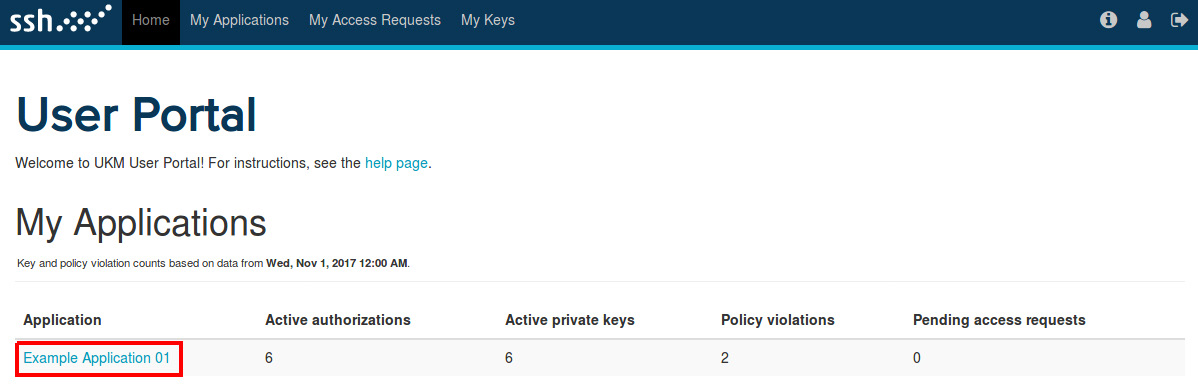
In the User Portal GUI Home page, click the name of an application to review its details.
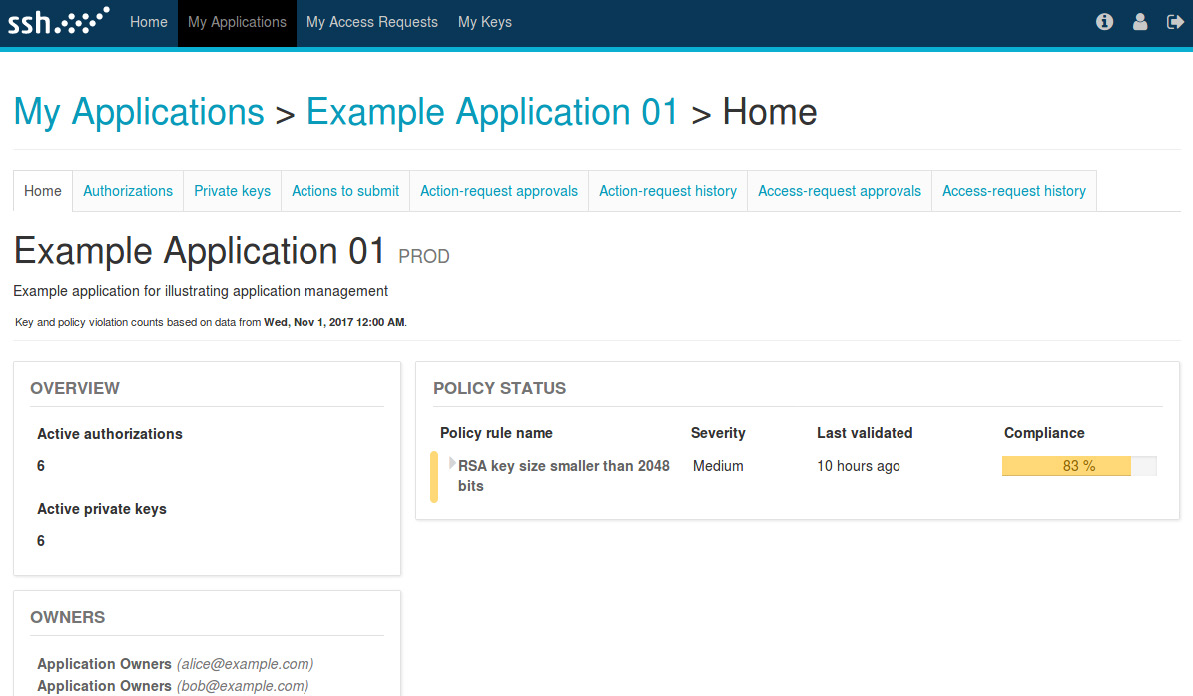
You will be redirected to the Home page of the application. The application home page displays a statistical summary about its keys.
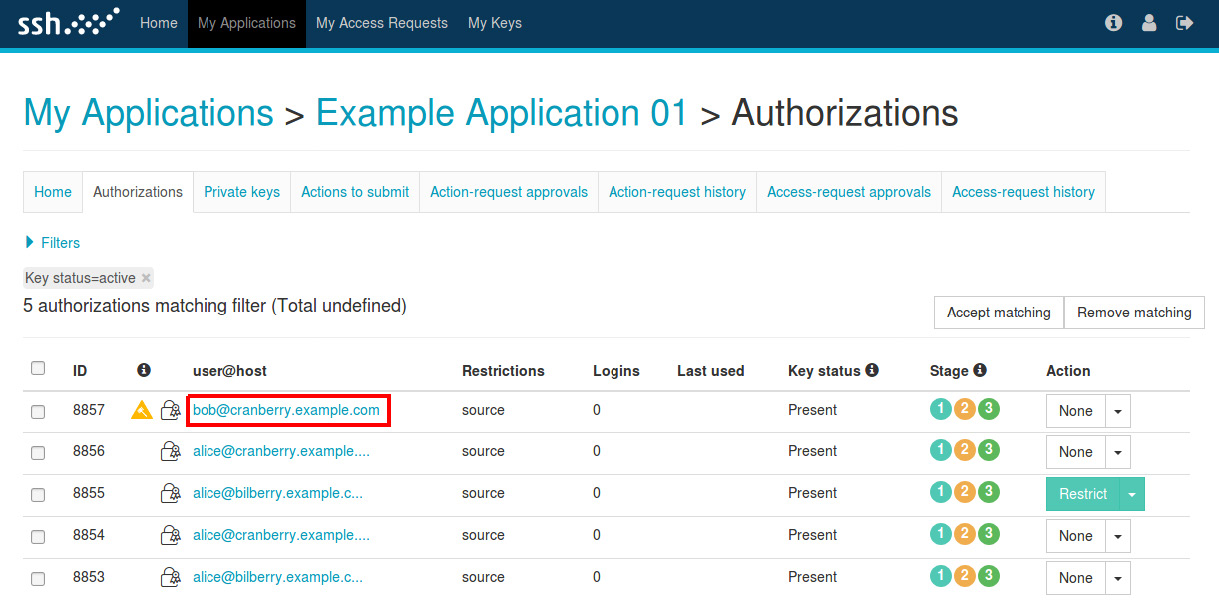
The authorized keys and the private keys belonging to the application are displayed on the Authorizations and the Private keys pages respectively.
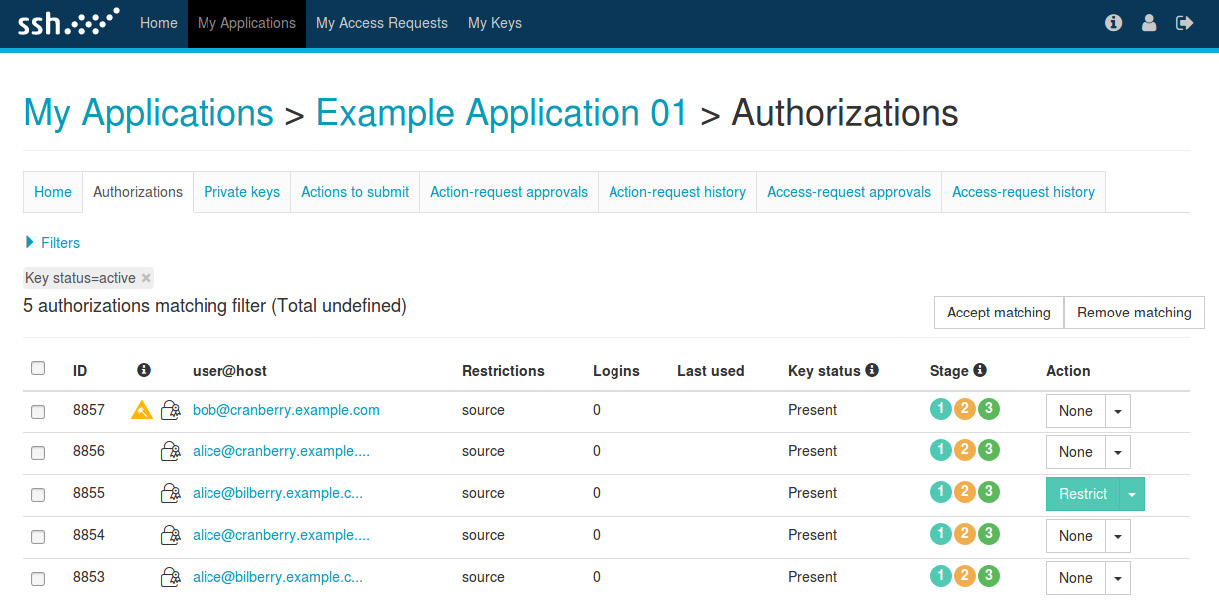
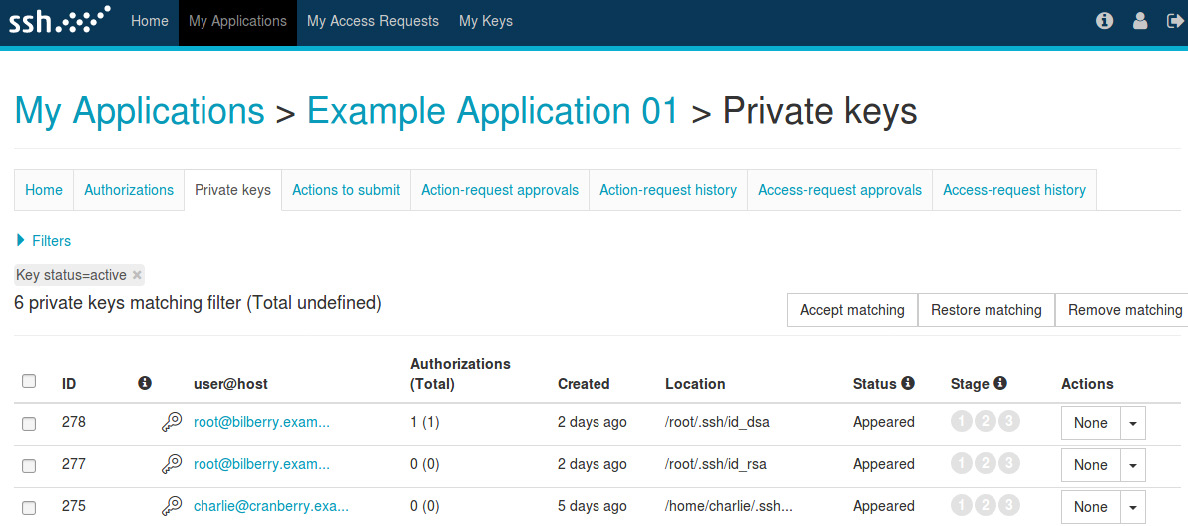
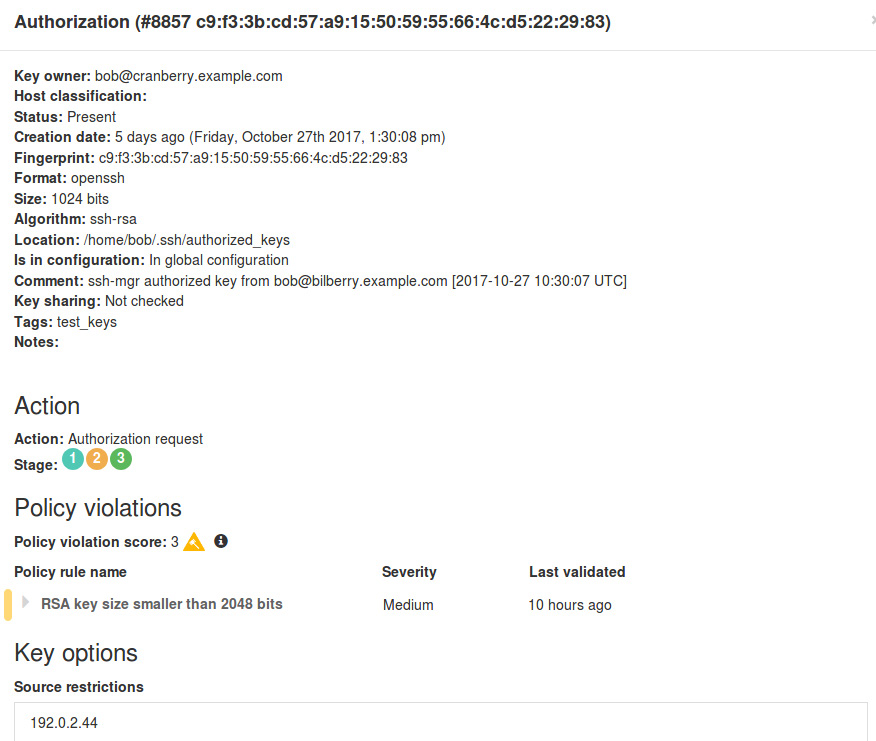
On pages that list application keys, you can click the User or Host field of the key to display its details.
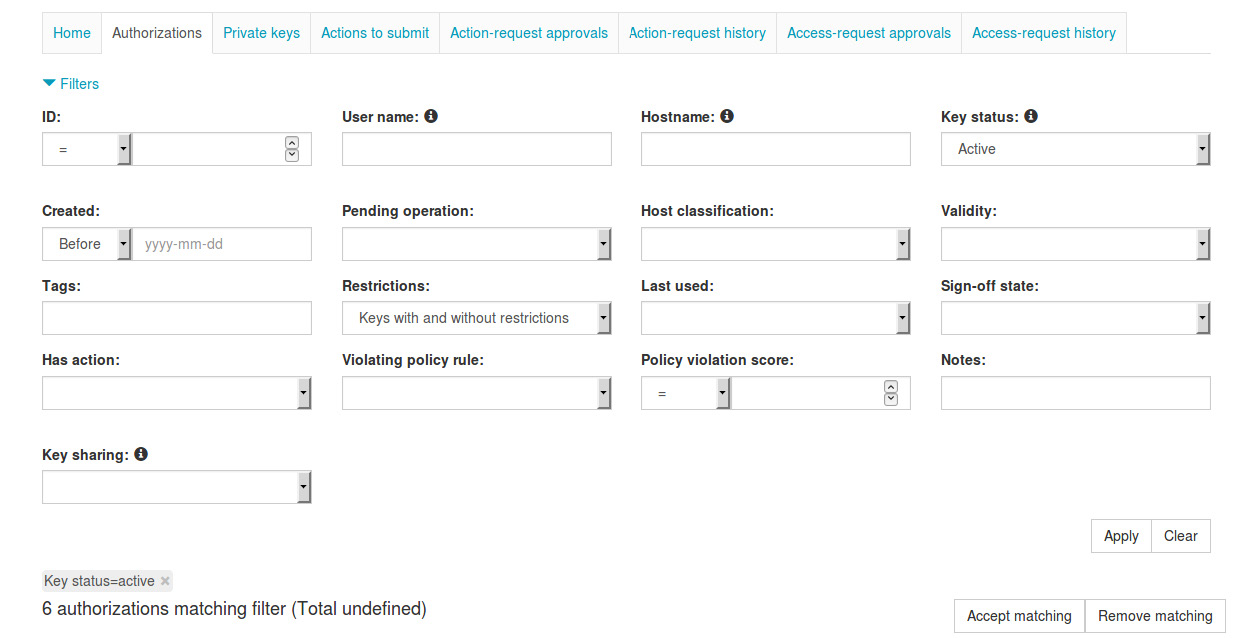
On pages that list application keys, you can define filters to only display those key entries that match your criteria.